Trying free AI models with the Antseed AI VPN
Start a free chat, choose a specific supplier and understand why you might see an out-of-credit message.
By Ant007 · Community contribution
#Start with a chat#
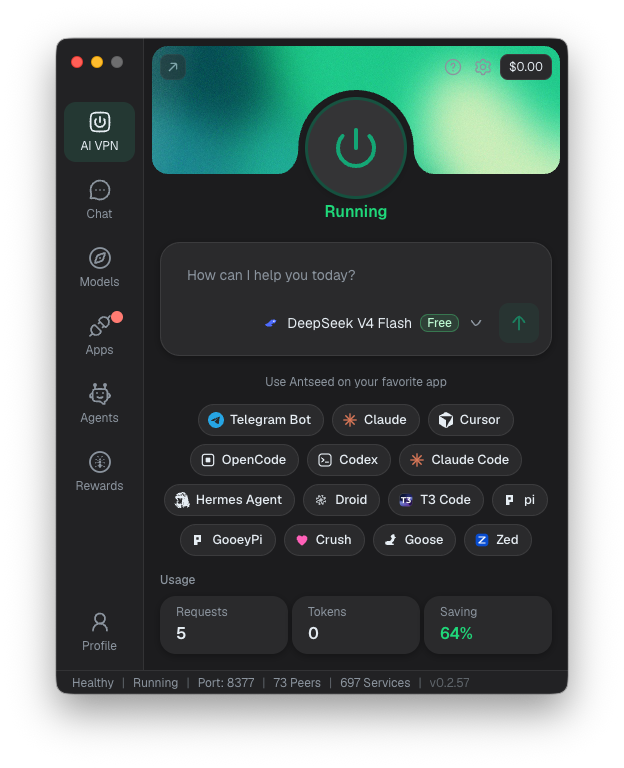
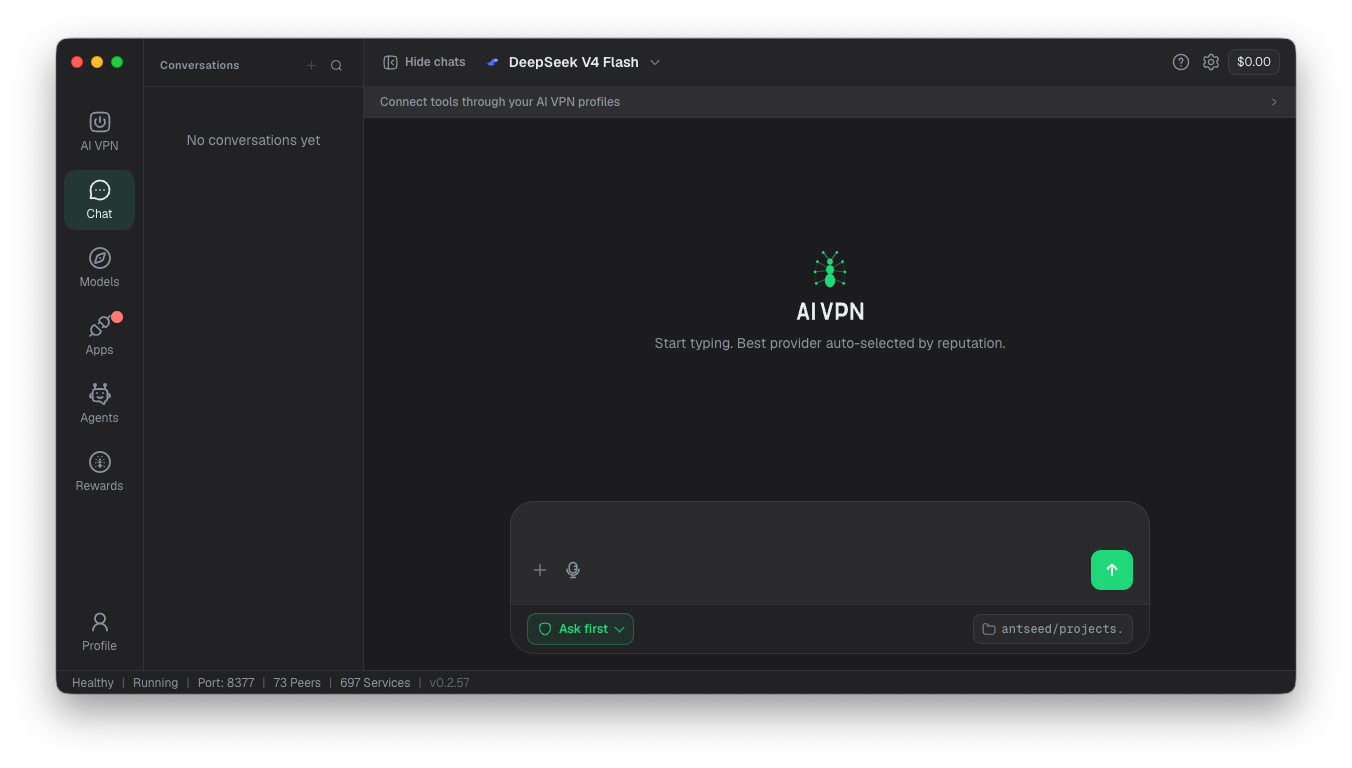
Switch on the *AI VPN* and open Chat. If a free model and supplier are already selected, you can start talking straight away.
You don’t need to connect another app to try it.
#Find a free model#
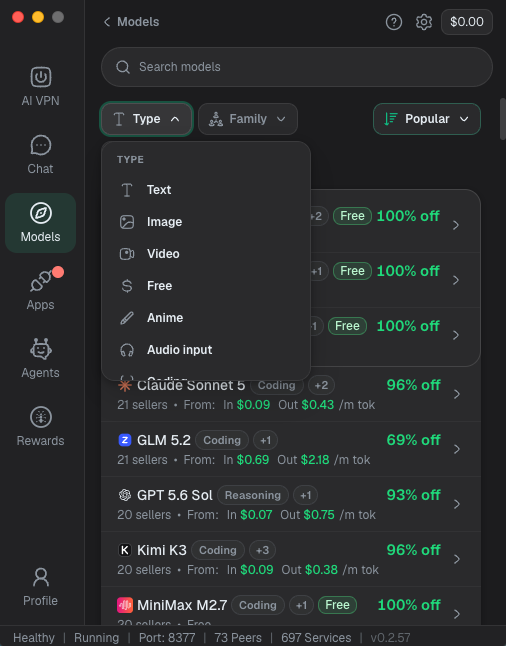
Open Models, click Type and select Free. You’ll also find other options for narrowing the results.
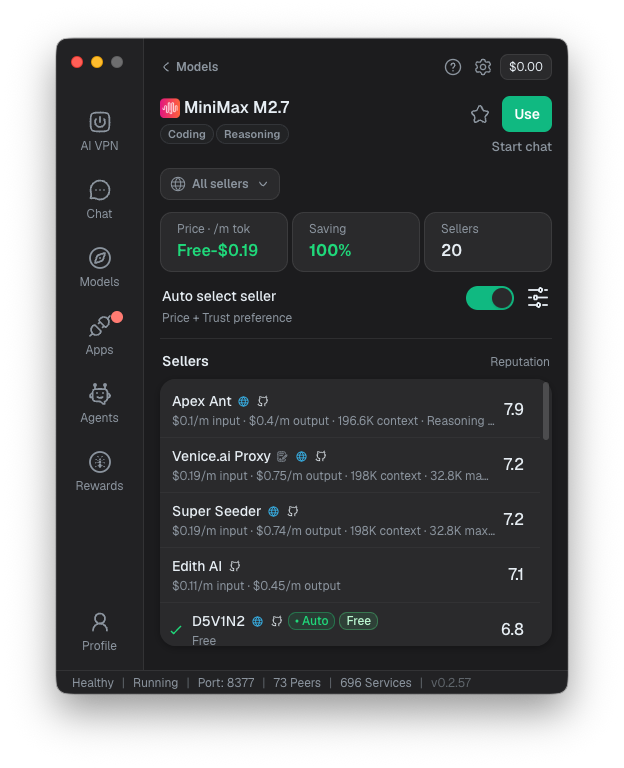
Choose a model to see its suppliers. A model can have both free and paid offers, so check the individual supplier—not just the model name—to make sure you’re choosing the free one.
#Choose your supplier#
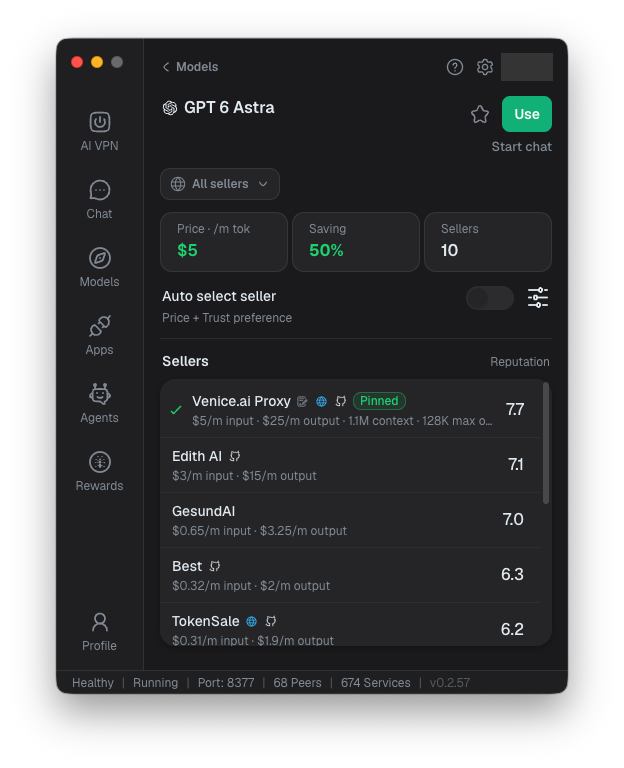
Click a supplier marked Free. Selecting a specific supplier takes the choice off Auto and pins it.
Choose Use, then start a new chat.
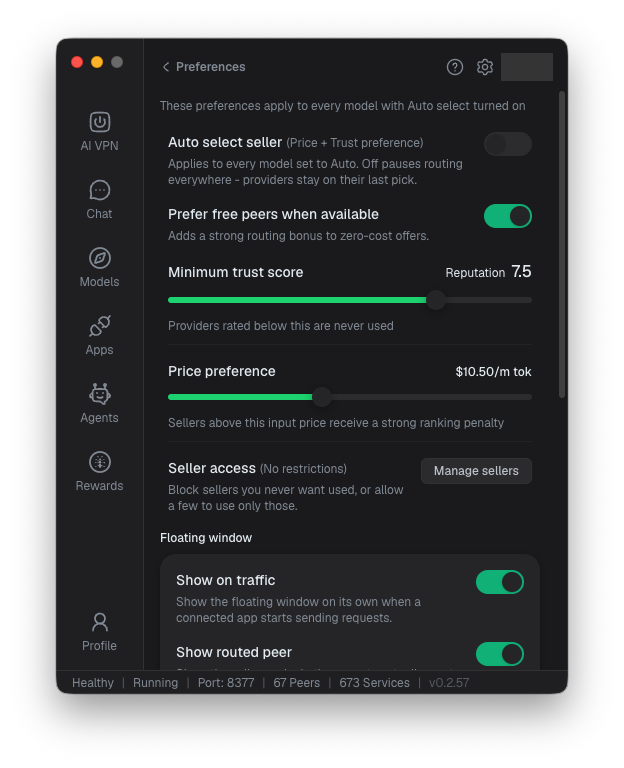
Leaving Auto select seller enabled lets the AI VPN choose a supplier for you, which may include a paid offer.
#Why does it say I’m out of credit?#
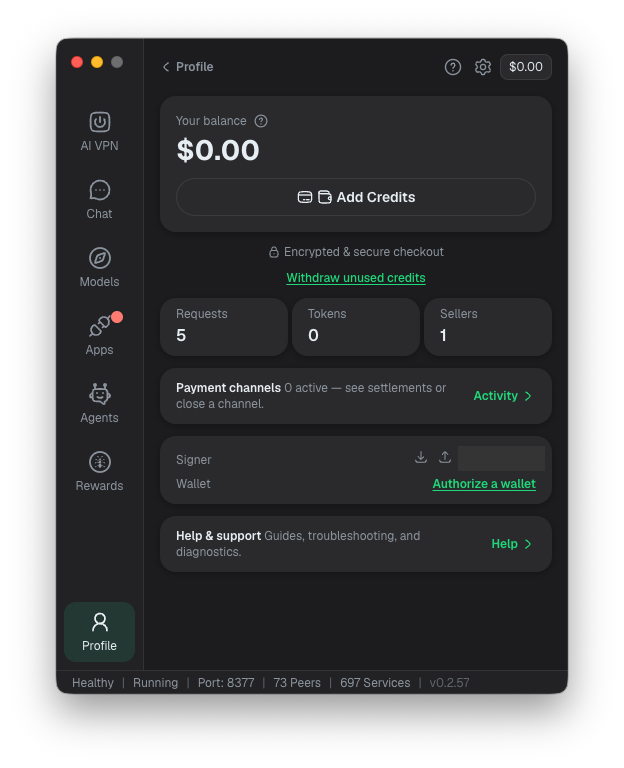
Free suppliers have limits. If you were chatting for free and suddenly receive an out-of-credit message, one possible explanation is that Auto has switched to a paid supplier after the free offer became unavailable.
Go back to Models and check the selected supplier. You can wait for the free allowance to reset or look for another available free offer, either for the same model or a different one.
With a pinned supplier, you’ll stay with that supplier rather than automatically switching to another.
Keep experimenting
Free offers are a useful way to try different models before deciding what suits you. Availability and limits vary, so check the current offer each time you change suppliers.
Never put private keys, wallet recovery phrases or other secrets into a chat.